
You can redeem your Global Gift Card in several ways, depending on how you received it.
Email or text message from GoGift
If you received your Global Gift Card directly from GoGift by email or text message, simply click the link in the message to start the redemption process.
You will typically see a link such as:
"Click here to get your gift card"
See an example of a delivery email below.
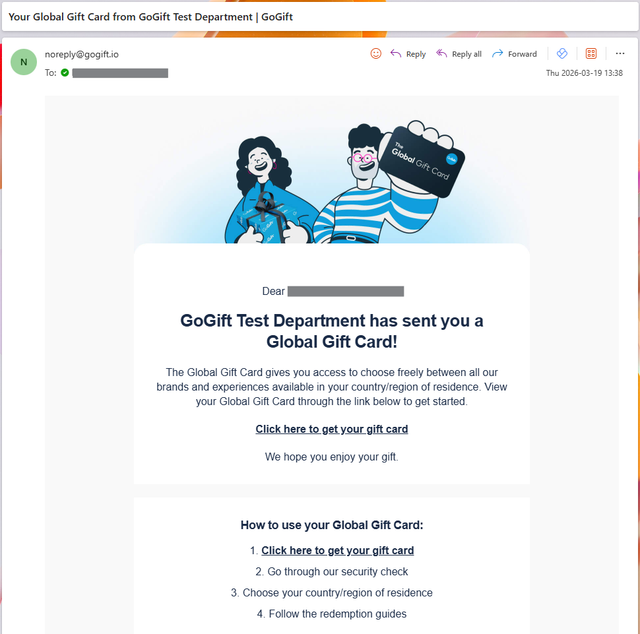
Link, email, or text message from a company
If you received your Global Gift Card from a company, for example by email or text message, simply click the link to start the redemption process.
The redemption process is the same, although the design and wording of the message may vary.
Printed version
If you received a printed version of your Global Gift Card, go to: gogift.com/redeem
Enter your gift card code and PIN. Both codes are printed on the gift card.